
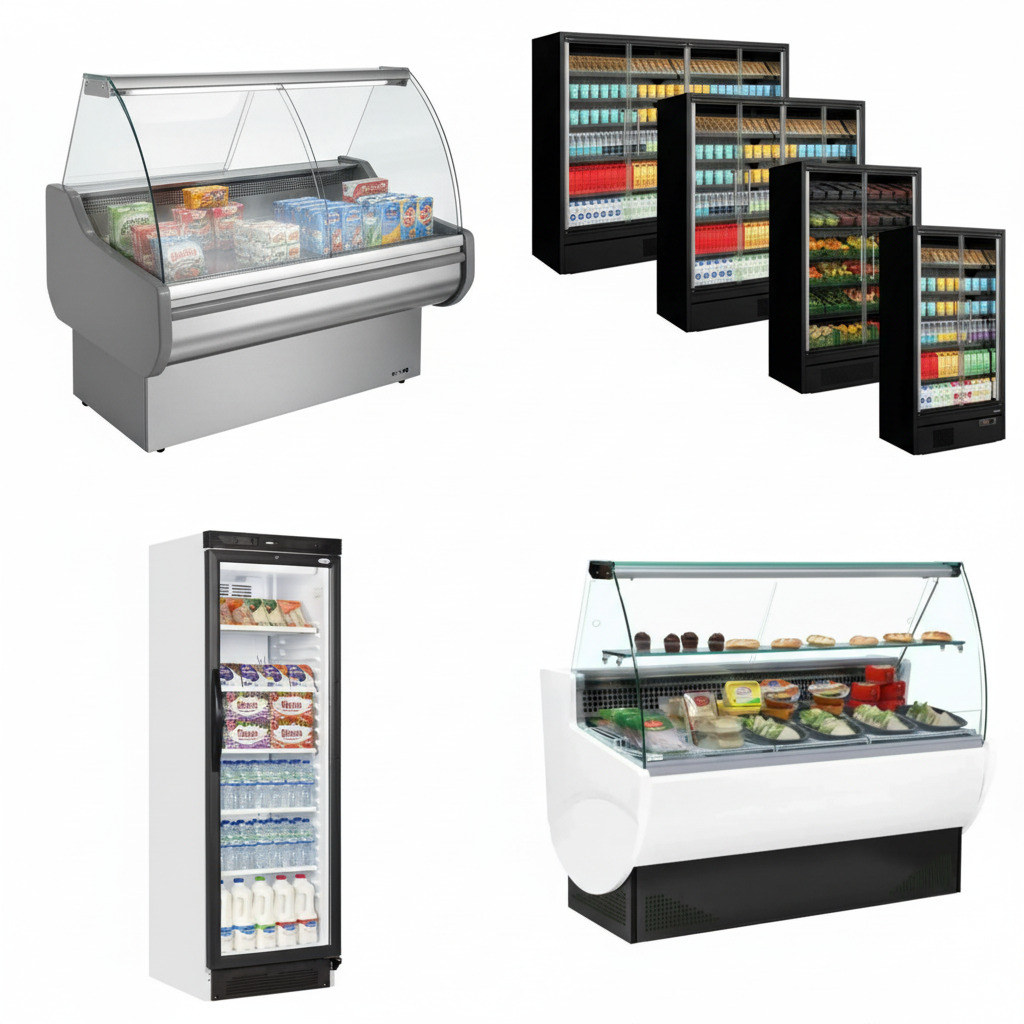
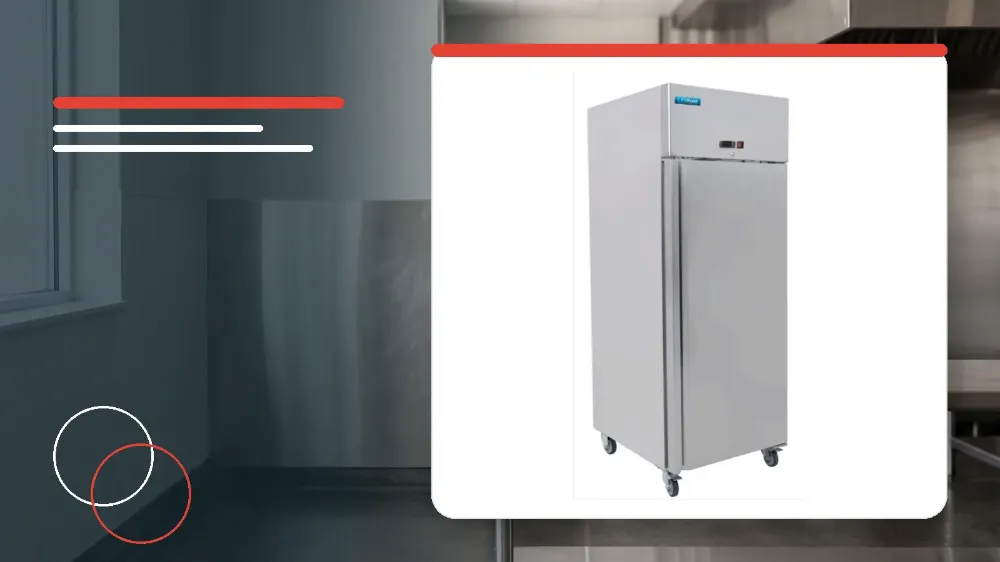
To troubleshoot the Unifrost R600GS, verify mains power connections, clear blocked airflow paths, perform a manual defrost if ice builds up, level the cabinet to resolve leaks and noise, and escalate internal wiring, damaged cords, or condenser issues to a qualified technician.
Applies to
This operational guide applies specifically to the Unifrost R600GS commercial upright refrigerator.
Before you start
- Always switch off and disconnect the electrical power supply from the unit before cleaning or inspecting components.
- Ensure that the refrigerator maintains a minimum clearance distance of 20cm (7 inches) from adjacent walls or surrounding equipment for sufficient ventilation.
- Increase this ventilation clearance if the refrigerator is placed in proximity to an active kitchen heat source.
- Verify that the appliance is placed on a level, stable surface with the screw feet adjusted or the castor brakes securely set.
Safety warnings
- Do not remove any service panels or internal components on this product under any circumstances.
- Always ensure that installation and any necessary technical repairs are carried out exclusively by an authorised service agent or a qualified technician.
- If the electrical power cord is damaged, it must be replaced by an agent or a recommended qualified technician to avoid an electrical hazard.
Power and Startup Verification
When the appliance fails to operate upon initial setup or after a routine shutdown, basic electrical supply checks should be carried out first.
External supply faults and plug issues can be addressed directly by the operator without opening internal machinery compartments.
- Check that the unit is firmly plugged into a functional mains socket and that the power switch is turned on.
- If the appliance remains completely unpowered, inspect the plug fuse and replace the fuse if it has blown.
- If the power plug or lead shows physical damage, cease operation immediately and call your agent or a qualified technician.
- Escalate the unit to an authorised technician if an internal wiring fault is suspected behind the unpowered condition.
Troubleshooting Temperature and Cooling Performance
Inadequate cooling or abnormal internal cabinet temperatures frequently stem from airflow restrictions, improper food loading, or ice buildup on the evaporator coil.
Operators should methodically review ambient environmental factors, stock positioning, and door seals prior to requesting professional refrigeration servicing.
- Inspect the evaporator coil for excessive ice buildup and initiate an appliance defrost if heavy frost is present.
- To perform a manual defrost cycle, press and hold the DEFROST button on the controller for 5 seconds.
- Check that the cabinet doors shut completely and inspect the surrounding magnetic door gaskets to confirm the seals are not damaged.
- Remove any excessively hot foodstuffs and eliminate any stored stock that obstructs airflow around the internal circulation fan.
- Reduce the total volume of food stored inside the cabinet if the appliance has been overloaded beyond its storage capacity.
- If the room ambient temperature is excessively high, increase kitchen ventilation or relocate the appliance to a cooler position.
- Move the refrigerator to a more suitable location if it is situated adjacent to a heat source or if airflow around the condenser is interrupted.
- Contact an authorised service agent or qualified technician to clean the condenser if it has become heavily blocked with dust.
Diagnosing and Resolving Water Leaks
Water pooling inside the storage cabinet base or leaking onto the kitchen floor typically indicates drainage obstructions or unlevel cabinet installation.
Routine operator checks of internal drainage paths and external collection trays can prevent kitchen slips and equipment water damage.
- Check if the refrigerator is level, and adjust the screw feet to level the appliance if it is tilted.
- Clear the floor of the appliance if fallen debris or food packaging obstructs the movement of condensation water toward the drain.
- Inspect and clear the external discharge outlet if condensation runoff cannot freely escape through the drainage tube.
- Check the external drip tray and empty the collection tray if it is overflowing with defrost runoff.
- If the water container itself is cracked or physically damaged, call your service agent or a qualified technician for replacement.
Eliminating Excessive Vibration and Operational Noise
Commercial refrigeration units produce standard operational sounds, but abnormal rattling or loud humming often indicates unlevel positioning or loose external fixings.
Performing mechanical stabilization checks ensures quiet operation while safeguarding internal refrigeration tubing against excessive vibration fatigue.
- Inspect the installation position of the cabinet to ensure the unit sits completely level and stable on the kitchen floor.
- Change the positioning of the refrigerator or adjust the screw feet and castor brakes to eliminate cabinet wobble.
- Check accessible external fixings and tighten all loose nuts and screws that may vibrate during compressor run cycles.
- Do not remove protective service panels to access internal mounting hardware, as panel removal must remain restricted to qualified personnel.
Stop and get help if
- Stop using the appliance immediately if the electrical supply cord or mains plug is worn, split, or damaged.
- Halt troubleshooting if an internal wiring fault or short circuit is suspected within the electrical compartment.
- Do not attempt to remove any outer service panels, structural covers, or refrigeration system enclosures.
When to call an engineer
- Call your service agent or a qualified technician if the mains power cord or plug requires replacement.
- Contact an authorised technician if the appliance fails to operate due to an internal electrical wiring fault.
- Schedule an engineer visit to clean the condenser if it has become heavily blocked with dust and grease.
- Request a qualified service technician if the external water collection container is physically damaged or leaking.