


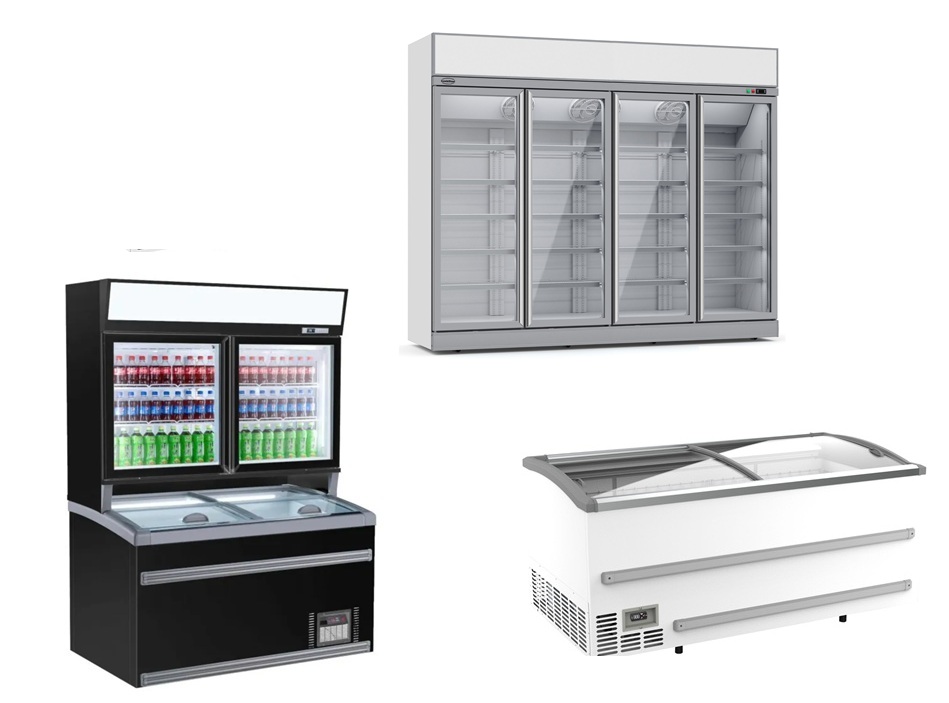



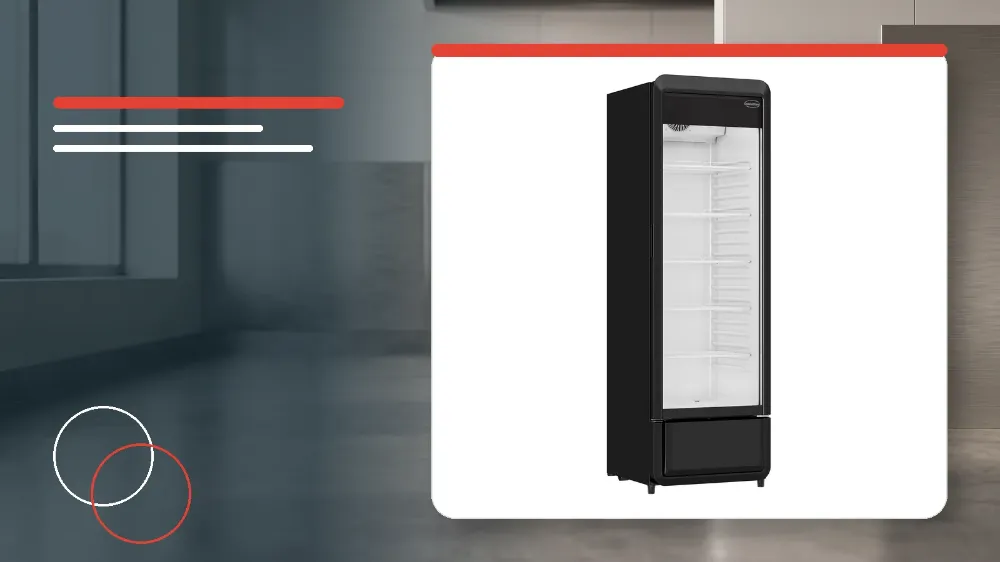
To clean and maintain the Combisteel 7455.3125 glass-door refrigerator safely, disconnect the power cord from the wall outlet before starting, wipe the exterior and cooler compartment with a soft dry cloth or a detergent-moistened cloth followed by a water-dipped cloth, throw away drain tray water at least once daily in humid surroundings, and inspect the power plug and cord before reconnecting power.
Applies to
This guide applies specifically to the Combisteel 7455.3125 commercial glass-door refrigerator.
Before you start
- Always disconnect the power cord plug from the wall outlet before starting cleaning to avoid electrical shock hazards.
- Unplugging the appliance before cleaning prevents severe physical injury from the rotating circulation fan.
- Clean the interior compartment once after delivery before loading stock into the refrigerator.
- Clean the cooler regularly to keep it clean at all times.
Safety warnings
- Do not splash water directly onto the cooler and do not wash the cabinet with water.
- Splashing water directly onto the unit can cause short-circuiting and severe electrical shock.
- Never use polishing powder or soap powder because these agents damage the paint and plastic components.
- Never apply gasoline or oil to the appliance as these substances degrade painted surfaces and plastics.
- Do not clean the cabinet using hot water because it will cause damage to paint and plastic parts.
Power Isolation and Initial Cabinet Cleaning
Before beginning any cleaning procedure, always disconnect the power cord plug from the wall outlet.
Disconnecting the mains plug prevents electrical shock hazards and eliminates the risk of injury from the rotating circulation fan.
The interior of the compartment must be cleaned once following delivery before any goods are placed inside.
The cooler must be cleaned regularly to keep it clean at all times.
- Disconnect the power cord plug directly from the wall outlet before touching the cabinet.
- Verify that the rotating circulation fan has come to a complete stop before reaching inside the compartment.
- Clean the compartment interior once after delivery before first use.
Routine Exterior and Interior Cleaning Methods
Wipe the exterior and cooler compartment of the unit using a soft, dry cloth.
If surfaces are very soiled, wipe them thoroughly with a cloth that has been moistened with detergent.
Following detergent cleaning, wipe all surfaces with a cloth that has been dipped in clean water.
- Wipe down the exterior surfaces and cooler compartment with a soft, dry cloth.
- Treat heavily soiled cabinet areas using a soft cloth moistened with detergent.
- Complete the cleaning sequence by wiping all treated areas with a water-dipped cloth.
Prohibited Cleaning Agents and Water Ingress Hazards
Do not splash water directly onto the cooler and do not wash it with water.
Direct washing or splashing with water creates severe risks of electrical shock and short-circuiting.
Never use polishing powder, soap powder, gasoline, oil, or hot water on the unit.
These prohibited substances will damage the exterior paint and plastic components of the refrigerator.
- Avoid splashing water directly onto the cabinet and never wash the cooler with running water.
- Do not apply polishing powder, soap powder, gasoline, or oil during any cleaning task.
- Do not use hot water on any painted or plastic components of the refrigerator.
Drain Tray Servicing and Post-Cleaning Electrical Inspections
Defrost water in the drain tray evaporates automatically under ordinary room conditions.
In humid surroundings, large amounts of water collect in the drain tray.
Kitchen operators must throw away drain water from the tray at least once a day when operating in humid surroundings.
After cleaning is complete, verify that the power plug is firmly inserted into a dedicated wall outlet.
Confirm that the power plug is not abnormally hot during operation.
Check the power cord for cracks and damage before returning the cooler to routine service.
- Throw away accumulated drain water from the drain tray at least once a day in humid environments.
- Inspect the entire power cord carefully for cracks, damage, or surface irregularities.
- Insert the power plug firmly into a dedicated wall outlet and verify it does not become abnormally hot.
Stop and get help if
- Stop cleaning immediately if water has been splashed directly onto electrical parts to avoid short-circuiting and electrical shock.
- Do not proceed with operating the unit if any cracks or damage are detected on the power cord.
- Disconnect the power immediately and cease operation if the power plug becomes abnormally hot.
When to call an engineer
- Should the slightest irregularity be observed on the power cord, contact the dealer from whom you have purchased the unit.
- Contact the dealer or a qualified technician if the power plug becomes abnormally hot when inserted into its dedicated wall outlet.