
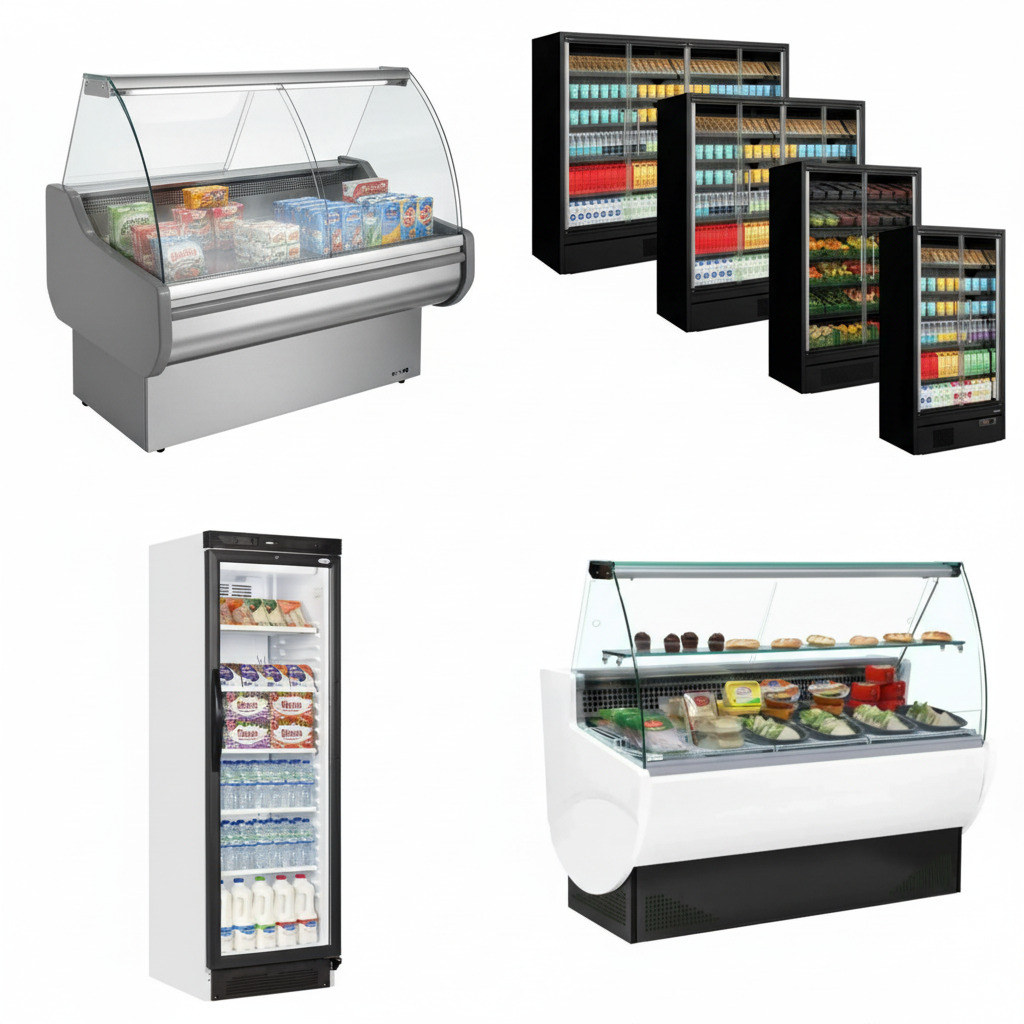
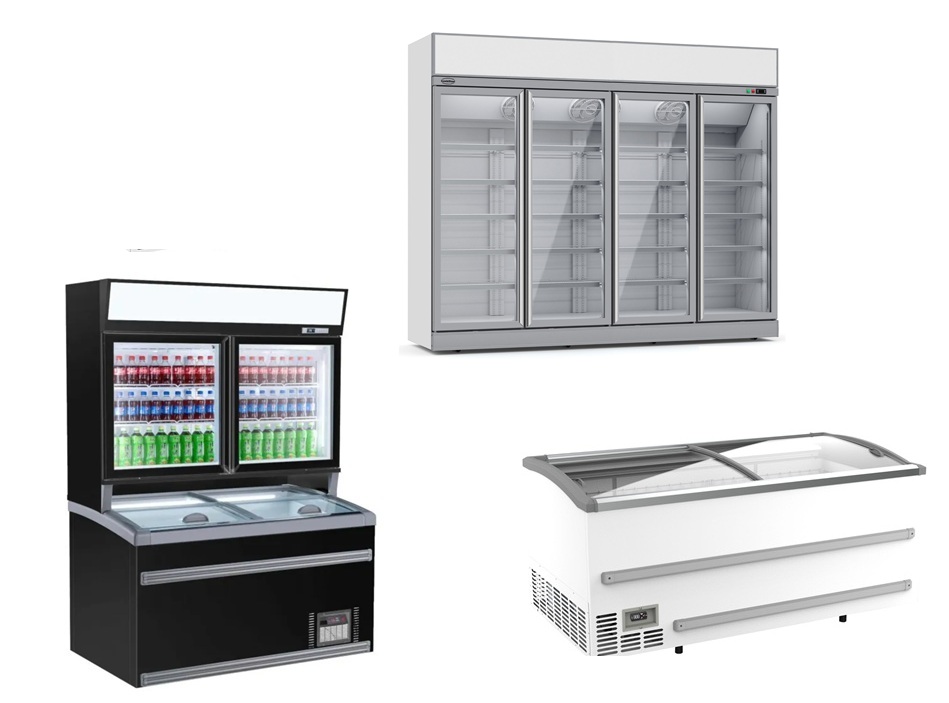

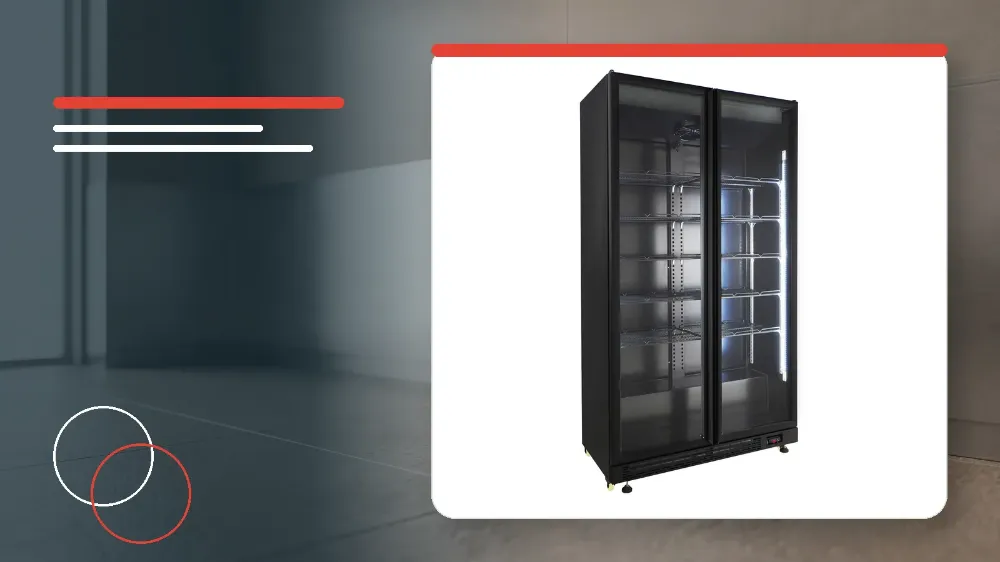
To safely clean and maintain your Combisteel 7455.1918 glass door refrigerator, disconnect the power cord plug from the wall outlet, wipe interior and exterior surfaces with a soft cloth and mild detergent, discard drain tray water daily in humid conditions, and inspect the electrical cord before re-energising.
Applies to
This guide applies to the Combisteel 7455.1918 commercial glass door refrigerator.
Before you start
- Always disconnect the power cord plug from the wall outlet before starting any cleaning tasks to eliminate electrical shock hazards and mechanical injury from the rotating circulation fan.
- Prepare clean, soft cloths, a mild detergent solution, and clean water for wiping surfaces.
- Confirm that the interior circulation fan has completely stopped rotating before reaching inside the cooler compartment.
Safety warnings
- Never splash water directly onto the cooler and do not wash it with water, as short-circuiting and electrical shock can occur.
- Always disconnect the power cord plug from the wall outlet prior to cleaning to avoid electrical shock or rotating fan injury.
- Never use polishing powder, soap powder, gasoline, oil, or hot water, because these substances damage the paintwork and plastic components.
- Do not place items totalling more than 30kg on any single shelf.
- Do not throw items onto shelves, as the shelf could fall down and cause personal injury.
- Be sure to attach and secure shelves correctly, as an improperly attached shelf could fall down and cause injury.
Initial Cleaning and Routine Maintenance Schedule
Even though the unit is cleaned before shipment, you must clean the cooler compartment interior once after delivery.
Clean the cooler regularly to maintain cleanliness at all times during commercial operation.
- Unpack the unit and clean the interior cooler compartment once after delivery prior to initial loading.
- Establish an ongoing routine to clean the cooler regularly.
Interior and Exterior Cabinet Cleaning Procedure
Wipe the exterior and cooler compartment with a soft, dry cloth for standard surface care.
If surfaces are very soiled, wipe them with a cloth moistened with detergent.
After applying detergent, wipe the surfaces with a cloth that has been dipped in water.
Never splash water directly onto the cooler and do not wash it with water, because short-circuiting and electrical shock could result.
Never use polishing powder, soap powder, gasoline, oil, or hot water, as they will damage the painting and plastic components.
- Disconnect the power cord plug from the wall outlet before cleaning.
- Wipe light surface dirt from the exterior and cooler compartment using a soft, dry cloth.
- Treat heavily soiled surfaces with a cloth moistened with detergent.
- Wipe off detergent residues using a cloth dipped in water.
Shelf Installation Security and Load Limits
Be sure to attach and secure shelves correctly inside the cabinet.
An improperly attached shelf could fall down and cause injury.
Do not throw items onto the shelves when stocking the cooler.
Do not place items totalling more than 30kg on each shelf.
- Attach and secure shelves correctly before placing any items on them.
- Place products gently onto shelves without throwing items.
- Ensure the combined weight on each individual shelf does not exceed 30kg.
Condensation Drainage and Drain Tray Care
Water in the drain tray evaporates automatically under ordinary conditions.
In humid surroundings, large amounts of water will accumulate in the drain tray.
Throw away collected drain water once a day when operating in humid surroundings.
- Inspect the drain tray for water accumulation during daily kitchen shifts.
- Throw away drain water once a day whenever the cooler is situated in humid surroundings.
Post-Cleaning Electrical Safety Checks
Check the power cord for cracks and damage after finishing cleaning.
Should the slightest irregularity be observed on the cord, contact the dealer from whom you purchased this unit or customer service.
Verify that the power cord plug is firmly inserted into a dedicated wall outlet.
Confirm that the power cord plug is not abnormally hot.
- Check the entire power cord for cracks and physical damage after cleaning.
- Contact the purchasing dealer or customer service if the slightest cord irregularity is observed.
- Insert the power cord plug firmly into a dedicated wall outlet.
- Confirm that the power plug is not abnormally hot during operation.
Shutdown Protocol for Long Periods of Disuse
When the cooler will not be used for a long period, take all items out of the compartment.
Disconnect the power cord plug from the wall outlet before cleaning.
Clean the compartment interior and wipe away all water.
Leave the door open to dry the compartment completely.
Leaving the door open prevents mould formation and bad smell inside the cabinet.
- Remove all items from the cooler compartment.
- Disconnect the power cord plug from the wall outlet.
- Clean the compartment interior and wipe away all water thoroughly.
- Leave the cabinet door open until the interior has dried completely to prevent mould and bad smell.
Stop and get help if
- Stop operation immediately if the power cord shows cracks, damage, or the slightest irregularity.
- Do not connect the unit if the power cord plug is found to be abnormally hot.
When to call an engineer
- Contact the dealer from whom you purchased this unit or customer service if any crack, damage, or irregularity is observed on the power cord.
- Contact customer service or your purchasing dealer if the power cord plug is abnormally hot.