
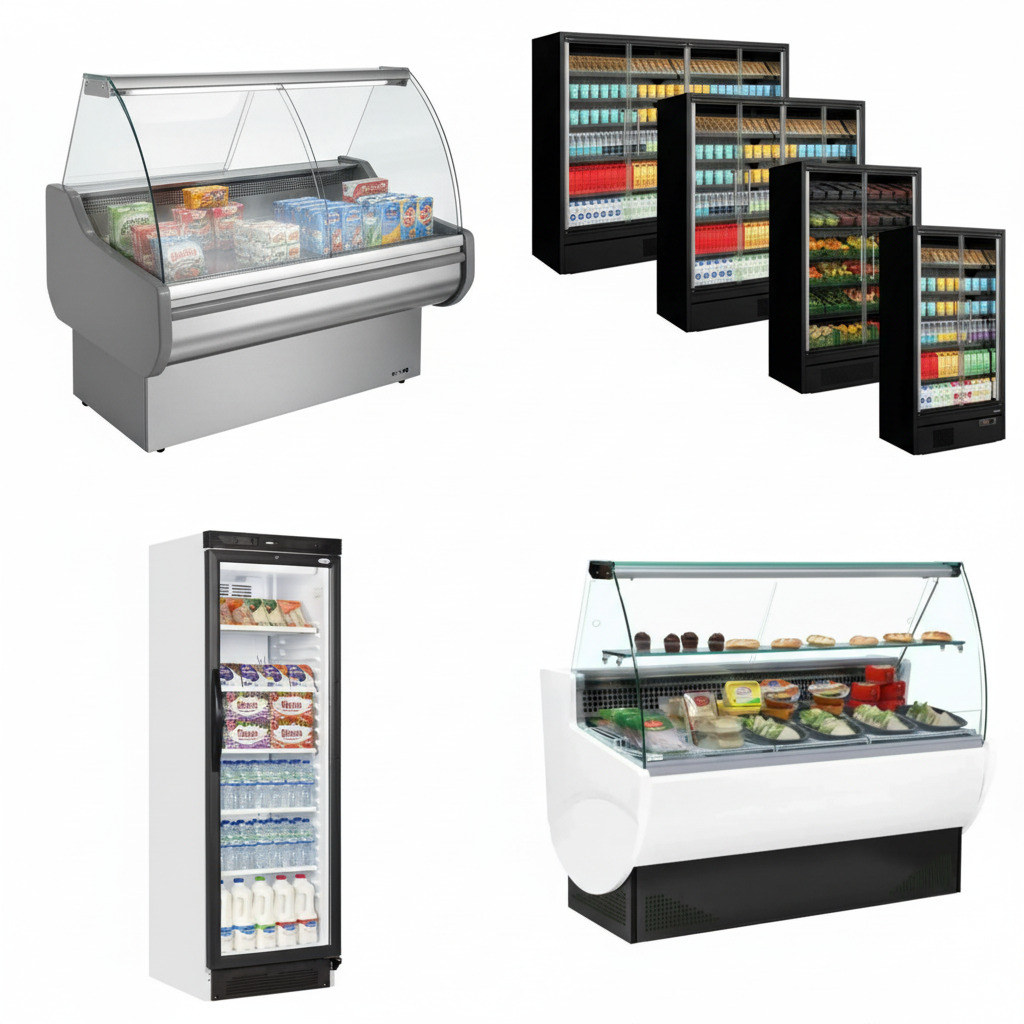
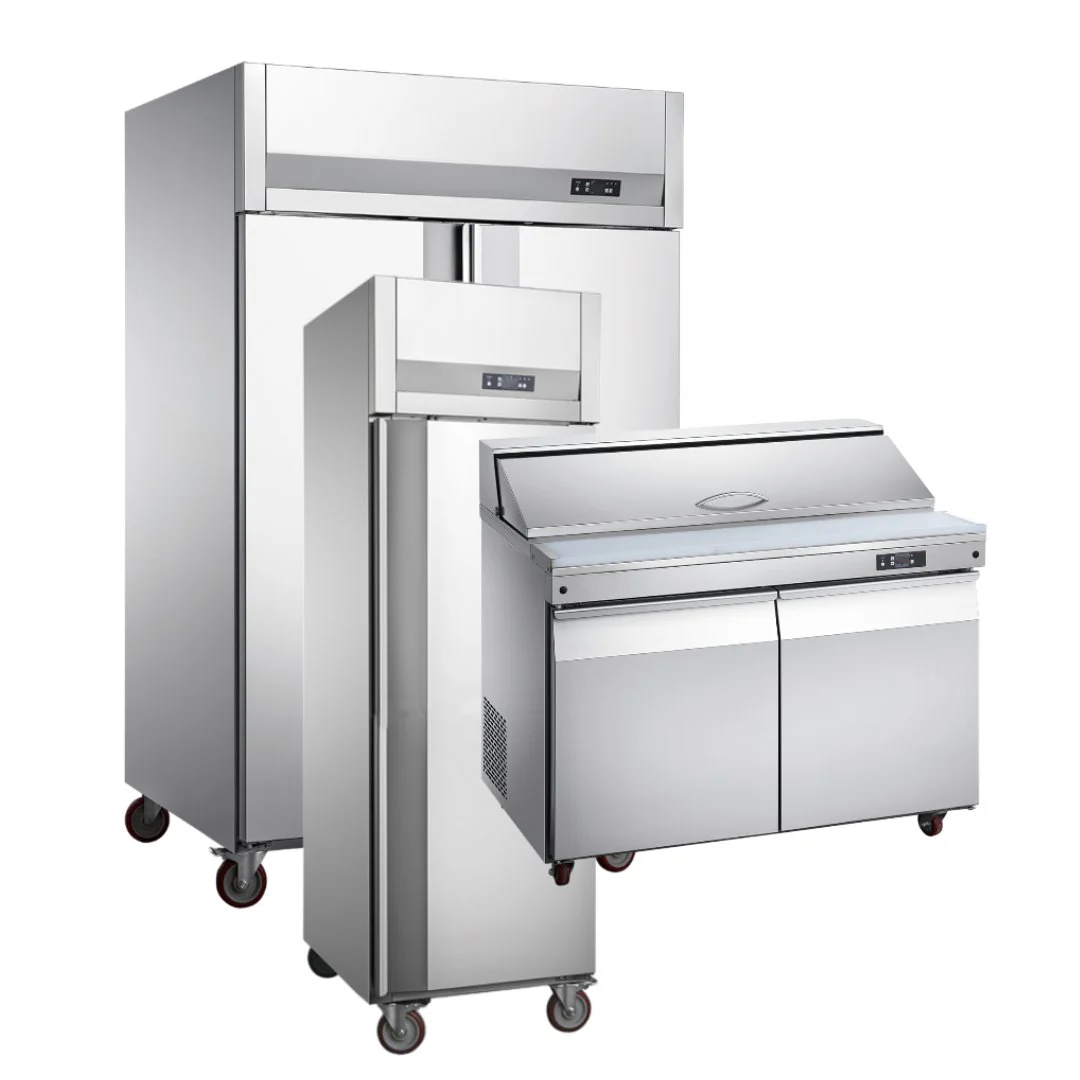
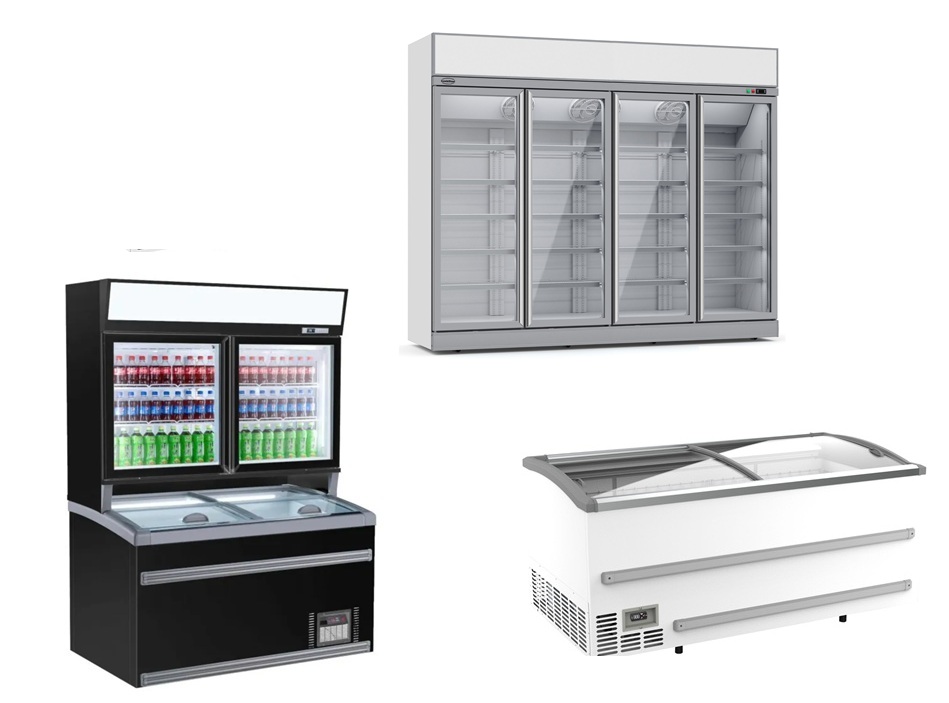



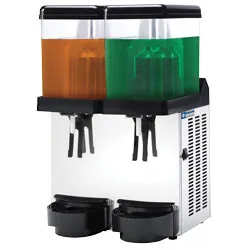
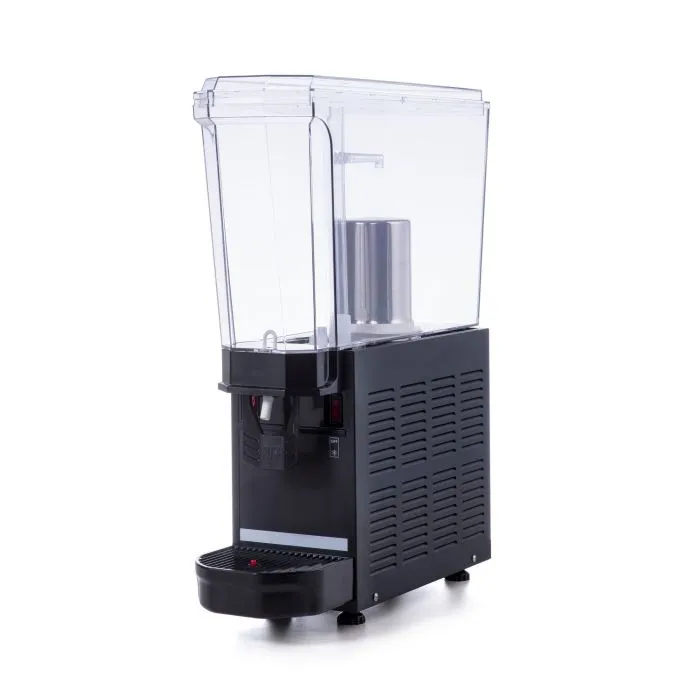
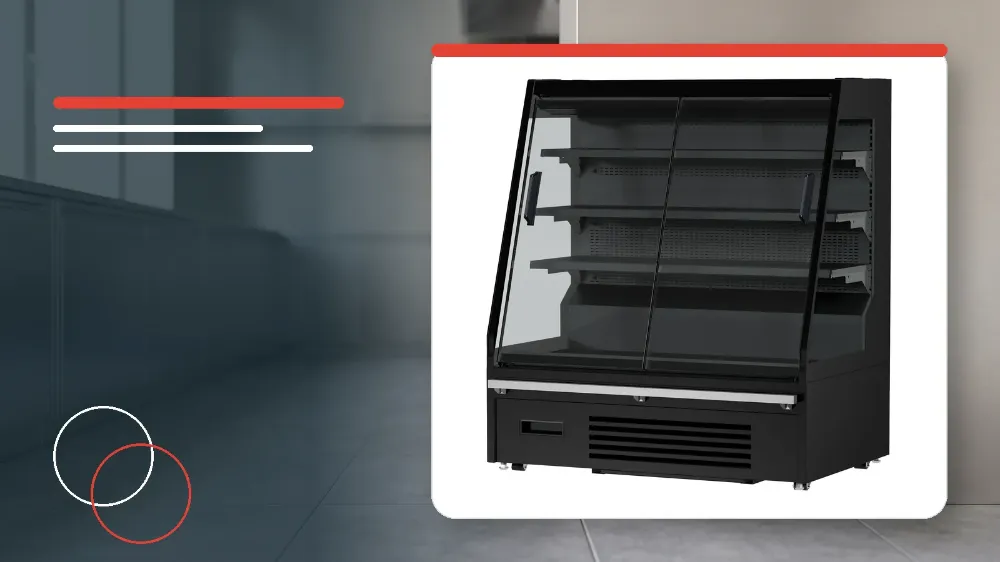
To safely clean and inspect your Combisteel 7080.0030 display cooler, isolate the power plug from the wall outlet, wipe the exterior and cooler compartment using approved cloths and mild detergent if required, manage the defrost water tray, verify that the power cord is free of damage, wait at least 5 minutes before reconnecting, and ensure the plug is firmly fitted into a dedicated wall outlet.
Applies to
This procedure applies specifically to trained catering staff maintaining the Combisteel 7080.0030 freestanding display cooler.
Before you start
- Regular cleaning must be scheduled to keep the display cooler completely clean at all times.
- Always disconnect the power cord plug from the wall outlet before starting any cleaning task to eliminate electrical shock hazards.
- Disconnecting the electrical plug prior to cleaning also prevents physical injury from the rotating internal circulation fan.
Safety warnings
- Do not splash water directly onto the cooler and do not wash the unit with running water, as electrical shock and short-circuiting could result.
- Never use polishing powder, soap powder, gasoline, oil, or hot water on the unit because these substances cause severe damage to painted finishes and plastic components.
- Do not attempt to restart or reconnect the cooler immediately after turning it off, as this practice can overload the compressor, blow electrical fuses, trip circuit breakers, or cause other equipment damage.
Safe Surface and Compartment Cleaning Protocol
Maintaining sanitary storage and display surfaces requires regular cleaning using non-abrasive materials.
Operators must completely avoid aggressive chemical agents like gasoline or oil and harsh powders like soap powder or polishing powder that ruin the cabinet surfaces.
Direct water washing and splashing are strictly prohibited to prevent electrical shorts inside the refrigeration housing.
- Disconnect the main power cord plug from the electrical wall socket to prevent electrical hazards and protect your hands from the circulation fan.
- Wipe down both the cabinet exterior and the interior cooler compartment using a soft, dry cloth.
- If surfaces are heavily soiled, wipe them down thoroughly with a soft cloth moistened with mild detergent.
- Follow the detergent wipe immediately by wiping all treated surfaces clean with a soft cloth dipped in plain water.
- Ensure that no hot water or forbidden cleaning powders are applied during any part of the wiping procedure.
Drain Tray and Defrost Water Management
The refrigeration system performs defrost cycles automatically and directs the resulting drainage into the designated collection area.
Defrost water drainage behaviour depends on the specific tray configuration installed on the cooler.
- Inspect whether your cooler unit is fitted with a removable plastic water tray.
- If a plastic water tray is present, collect the accumulated defrost water and pull over the tray periodically to empty it.
- If no plastic water tray is fitted to the cooler, allow the collected defrost water to evaporate automatically without manual intervention.
Post-Cleaning Inspection and Reconnection Procedure
Careful electrical and mechanical checks must be conducted every time cleaning maintenance is concluded.
Adhering to correct restarting intervals protects the refrigeration compressor from destructive electrical overloads.
- Thoroughly inspect the entire length of the electrical power cord for visible cracks, cuts, or physical damage.
- Wait for a duration of 5 minutes or more before reconnecting the power plug after the unit has been switched off.
- Insert the power plug firmly into a dedicated wall outlet once the minimum 5-minute waiting period has elapsed.
- Confirm after powering on that the electrical plug does not feel abnormally hot during operation.
Stop and get help if
- Stop using the cooler immediately and do not reconnect the power plug if any crack, damage, or slightest irregularity is detected along the power cord.
- Do not attempt to wash the cooler housing with running water or direct hose spraying under any circumstances.
- Do not restart the cooler immediately after isolating power without waiting the required minimum interval of 5 minutes.
When to call an engineer
- Contact the authorised dealer from whom you purchased the unit immediately if the slightest crack, wear, or irregularity is observed on the electrical power cord.