



To operate the Blizzard CD400R digital controller, initiate or halt manual defrost by pressing and holding the defrost button for 6 seconds, monitor the refrigerant and defrost LED indicators, and execute a factory reset sequence if the display registers Disorder.
Applies to
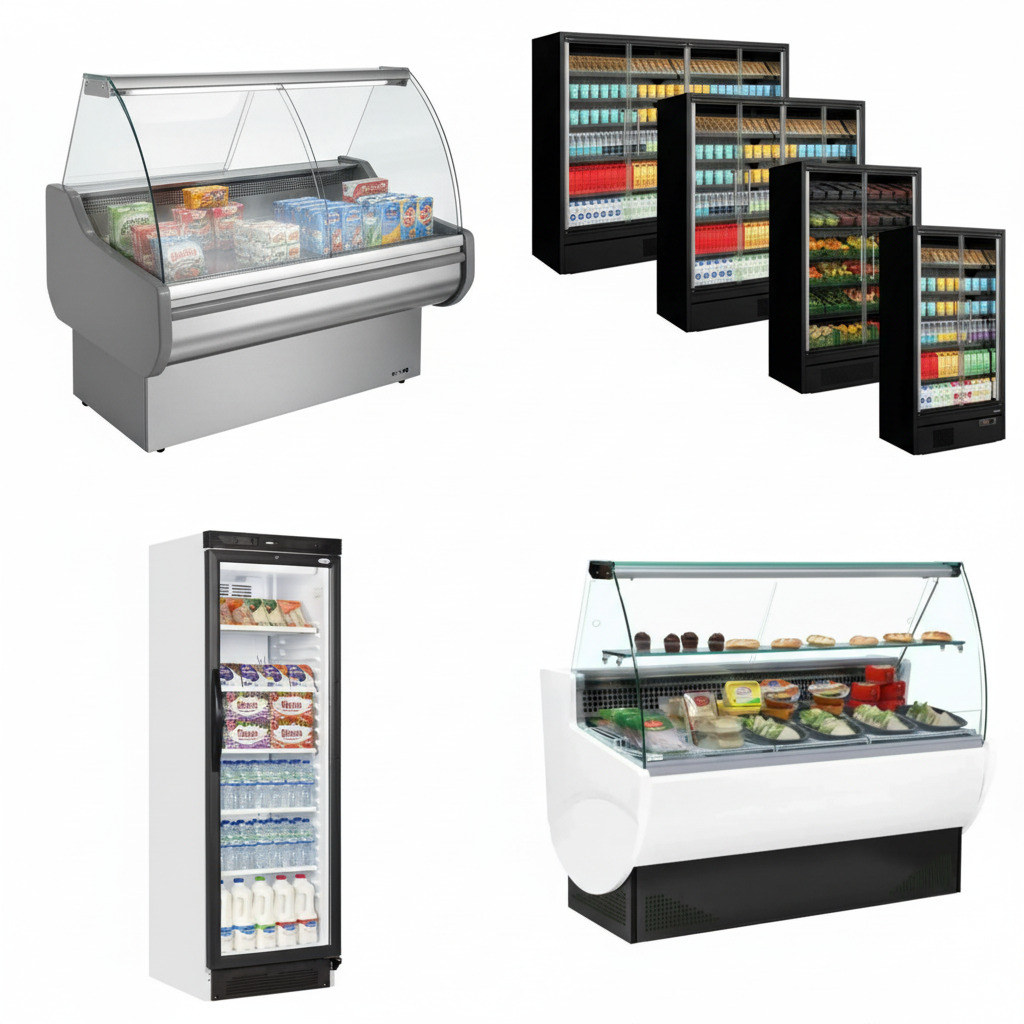
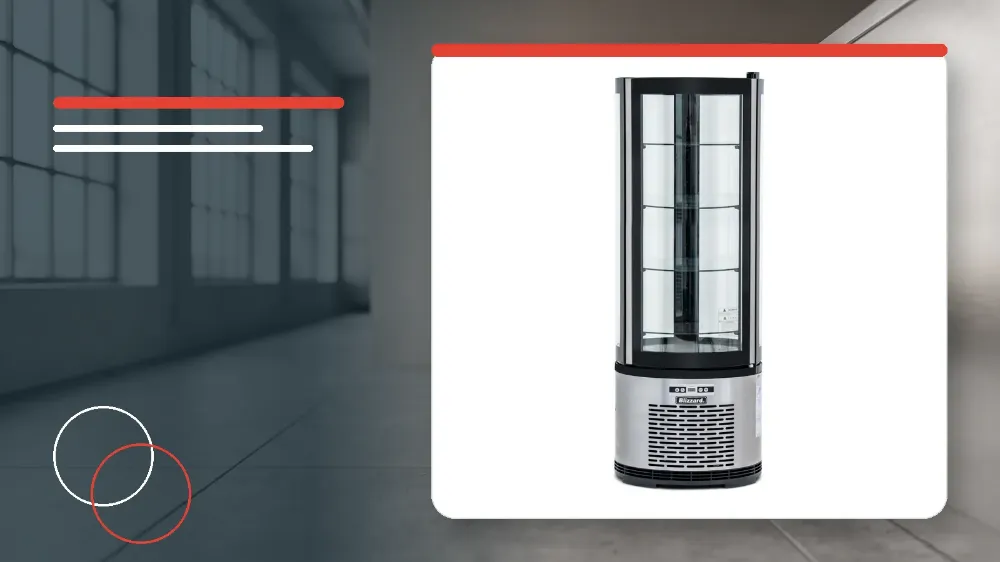
This operational guide applies directly to the Blizzard CD400R round refrigerated cake display cabinet.
Before you start
- Ensure the display unit is connected directly to an exclusive 220-240V mains power socket.
- Verify that the surrounding room temperature remains within the specified ambient range of 16°C to 32°C.
- Allow the cabinet to run and place a hand at the air suction opening to confirm sufficient cooling before loading food.
Safety warnings
- Never touch the refrigeration compressor to avoid scald injuries from hot surfaces.
- Do not use mechanical devices or unauthorised methods to accelerate the defrosting process.
- Never store corrosive food products inside the refrigerated cabinet.
- Keep internal air suction and outlet openings clear to preserve air circulation and cooling capacity.
- Do not place more than 18kg of stock on any individual display shelf.
Controller Display and LED Indicators
The digital controller interface provides status LED indicators to show real-time refrigeration and defrosting states.
The Refrigerant LED illuminates continuously while active refrigeration is taking place.
The Refrigerant LED turns off once the cold-room temperature is constant.
The Refrigerant LED flashes whenever the unit enters a delay start cycle.
The Defrost LED stays illuminated throughout an active defrosting phase.
The Defrost LED turns off immediately after defrosting stops.
The Defrost LED flashes during the defrost delay display period.
The display reverts to showing the cold-room temperature if no button is pressed within 10 seconds during panel operation.
Initiating and Halting Manual Defrost
Operators can manually start or stop a defrost cycle at any time using the front keypad.
- Press and hold the defrost button for 6 seconds to start manual defrosting.
- Verify that the Defrost LED illuminates to confirm that the defrost cycle is active.
- Press and hold the defrost button for 6 seconds again if you need to stop the defrost cycle.
Restoring Factory Settings on Disorder Fault
When the controller encounters an internal fault state, the digital screen shows Disorder.
Operators can clear this disorder state by executing the manual factory reset button combination.
- Press and hold the reset button for 2 seconds until the buzzer rings when the screen displays Disorder.
- Quickly press and hold the button again for 6 seconds until the buzzer rings a second time.
- Confirm that the digital screen flashes for 3 seconds to indicate factory settings have been restored.
Airflow and Shelf Loading Management
Proper cabinet air circulation is required to maintain effective refrigeration capability.
Never place stock or trays across the air suction or outlet grilles inside the cabinet.
Ensure the total weight placed on any single shelf does not exceed 18kg.
The appliance operates under climatic class 4 and is designed for an ambient temperature range of 16°C to 32°C.
Stop and get help if
- Cease operating the unit immediately if the power cable is damaged or defective.
When to call an engineer
- Escalate power cable replacement to the manufacturer or a skilled service technician equipped with special tools.